Make Your Data Speak: Real-World Ways to Use the Infographics Google Slides Template
If you have ever stared at a blank presentation and wondered how to turn a spreadsheet full of numbers into something people actually want to look at, you are not alone. That is where the Infographics Google Slides Template steps in. At its core, it is a set of fully editable slides designed to help you organize information visually. But calling it just a template misses the point. What really matters is what happens when real people use it in real situations.
This article explores the practical side of working with this template. Instead of listing every feature, we will look at how different professionals use it to solve everyday problems, communicate better, and save time.
Small Business Owners Who Need to Look Big
Running a small or medium business often means competing with larger companies that have entire design teams. The Infographics Google Slides Template helps level the playing field without needing a designer on staff.
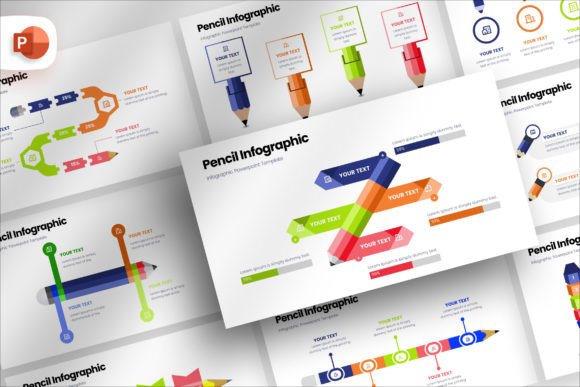
A bakery owner preparing a pitch for a local cafe partnership could use the built-in vector icons and diagrams to show supply chain flow, product popularity, and monthly revenue trends. Instead of handing over a plain spreadsheet, they present a clean, professional story. The drag-and-drop feature to change pictures makes it easy to swap generic stock photos for actual product images.
For service-based businesses like plumbing or landscaping, the template helps illustrate before-and-after scenarios, service area maps, and seasonal demand patterns. Clients appreciate seeing data visually, and it builds trust faster than a wall of text.
What to keep in mind
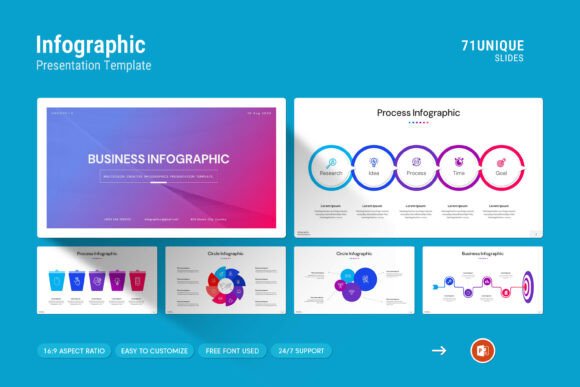
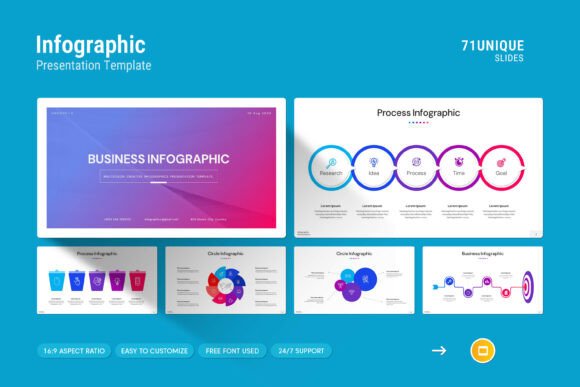
If you are not used to editing slides, the 71 slides might feel overwhelming at first. But the master slides layout means you only need to set up your colors and fonts once. After that, every new slide follows the same style. That consistency helps your brand look polished without extra effort.
Educators and Trainers Who Need to Simplify Complex Ideas
Teachers, corporate trainers, and workshop facilitators face a common challenge: how to explain something complicated without losing the audience. The template is a natural fit for creating handouts, lesson slides, or training materials.
A high school science teacher explaining the water cycle can use infographics to show evaporation, condensation, and precipitation in a single visual. A university professor covering economic theories can rely on tables and diagrams to compare different models side by side. The 16:9 Full HD ratio ensures the slides look good on projectors and screens alike.
For corporate trainers onboarding new employees, the template helps create step-by-step flowcharts that map out processes like submitting expenses, requesting time off, or navigating internal software. Employees retain information better when they can see the sequence.
One observation worth noting
The template works well for in-person sessions, but it also shines in remote learning environments. Because it is built for Google Slides, you can share a link, and everyone sees the same version. No file format issues. No missing fonts. That alone saves time for anyone who has ever received a "this font is not supported" message.
Marketers and Content Creators Who Need to Tell Stories Fast
Marketing moves quickly. Whether you are preparing a social media report, a client pitch, or a campaign recap, you need visuals that communicate results without a long explanation. The Infographics Google Slides Template helps marketers pull insights from data and turn them into stories.
A digital marketing manager presenting quarterly performance can blend creative photo layouts with key metrics like click-through rates, conversion percentages, and engagement trends. Instead of flipping through a dozen different software tools, they build everything inside one presentation. The free font used means no extra licensing costs, and the ability to change colors easily helps match brand guidelines without starting from scratch.
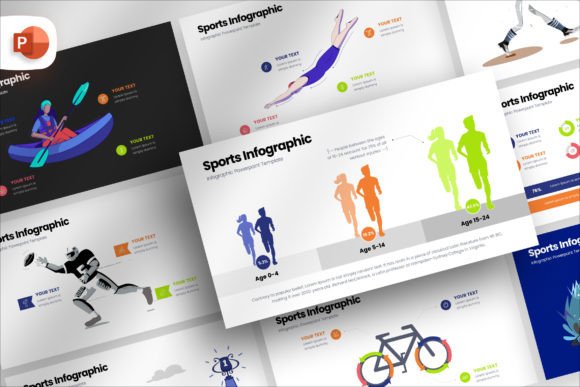
Content creators on social media often repurpose slides into Instagram carousels, LinkedIn PDFs, or YouTube thumbnails. The vector icons add visual interest without cluttering the message. A single infographic slide can become a post that generates engagement without needing a graphic design tool.
Limitations to consider
If you need animations or complex interactive elements, this template is not built for that. It is a static presentation tool. But for most marketing use cases, clarity and simplicity are more important than flashy transitions.
Freelancers and Consultants Who Need to Impress Quickly
Freelancers often meet potential clients for the first time with only a short window to make an impression. A well-designed presentation can be the difference between landing a project and being forgotten.
A freelance web designer pitching a redesign can use the template to show a visual audit of the client current site, highlight usability issues with icons, and propose a redesigned layout using the drag and drop to change picture feature. A business consultant mapping out a growth strategy can include timelines, budget breakdowns, and risk matrices all within one cohesive deck.
The template includes 71 slides in total, which means you can pick and choose what you need without building from scratch. That flexibility is especially useful when you pitch to different industries. A single template can work for a tech startup one week and a local retail store the next.
Practical tip from experience
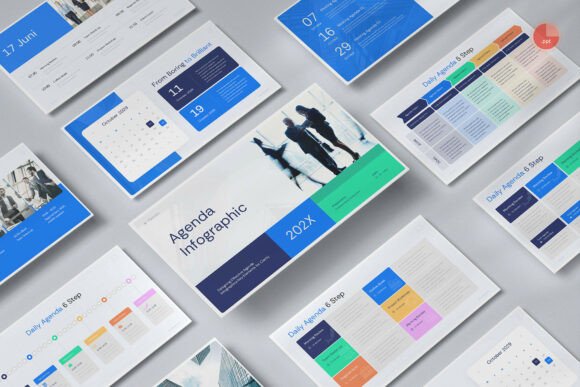
When using the template for client work, spend a few minutes setting up the master slides with your own logo and color palette. This small upfront effort makes every slide look custom. Clients notice that level of detail, and it reinforces your professionalism.
Nonprofits and Community Groups Who Need to Build Trust
Nonprofits often operate with limited budgets and limited time. Yet they still need to communicate impact to donors, board members, and volunteers. The Infographics Google Slides Template helps turn stories of change into visual reports that resonate.
A community health organization can use infographics to show how many families received services, where resources were distributed, and what outcomes were achieved. A fundraising team can compare annual goals against actual results using tables and diagrams. Volunteers can use the template to create orientation materials that explain the mission without needing hours of training.
Because it works on both Windows and Apple devices, team members with different laptops can collaborate without compatibility issues. The help file included with the template also reduces the learning curve for volunteers who are not familiar with presentation tools.
Considerations for this group
If your organization relies heavily on data privacy, remember that Google Slides stores files in the cloud. That is fine for most use cases, but if you handle sensitive data, consider removing any personal information before sharing the file externally.
Corporate Teams Who Need Alignment Across Departments
Large organizations often struggle with consistency. Different departments use different templates, fonts, and color schemes. The result is a brand that looks fragmented. The Infographics Google Slides Template offers a way to standardize presentations without forcing everyone to become a designer.
A project manager leading a cross-functional initiative can use the template to create a single source of truth that updates weekly. Sales teams can adapt the same template for client meetings, ensuring the brand stays consistent across regions. HR departments can use it for internal communications like policy updates, benefits overviews, or training modules.
The easy color change feature allows each team to match their department color while keeping the overall structure aligned. This balance between flexibility and consistency is rare in most presentation tools.
One thing to watch out for
If your company has strict brand guidelines, you will want to update the master slides before distributing the template to the team. Otherwise, someone might accidentally use the default colors in a client-facing presentation. A quick setup upfront prevents that.
Why the Template Works Across So Many Situations
The Infographics Google Slides Template is not trying to be a one-size-fits-all solution. Instead, it provides a flexible structure that adapts to different needs. The included .PPTX file means you are not locked into Google Slides either. You can download it and use it in PowerPoint if that works better for your workflow.
The real value comes from the time you save. Instead of building charts and diagrams from scratch, you start with professional layouts that are easy and fully editable. That means more time focusing on the message and less time formatting.
Whether you are a freelancer preparing a one-off pitch, a teacher creating a semester of lessons, or a nonprofit reporting annual results, the template offers a practical foundation. It does not promise to make you a designer, but it does make your work look like you cared about presentation.
And that is often enough to turn a good idea into a compelling story.