Evaluating the Value of 10 Etsy Listing Photo Infographics for Your Shop
Building a successful Etsy shop involves many decisions, but few are as visually immediate as your listing photos. In a marketplace where buyers scroll quickly, the quality and clarity of your images often determine whether a click turns into a sale. This is where structured design resources like the 10 Etsy Listing Photo Infographics pack enter the picture. Instead of designing every image from scratch, sellers gain access to a set of professionally laid-out templates built specifically for Etsy’s visual requirements. But like any tool, understanding its strengths, tradeoffs, and ideal use cases is essential before deciding if it fits your workflow.
What Makes This Pack Distinct
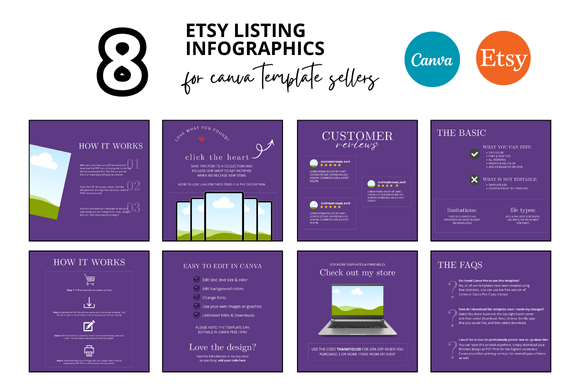
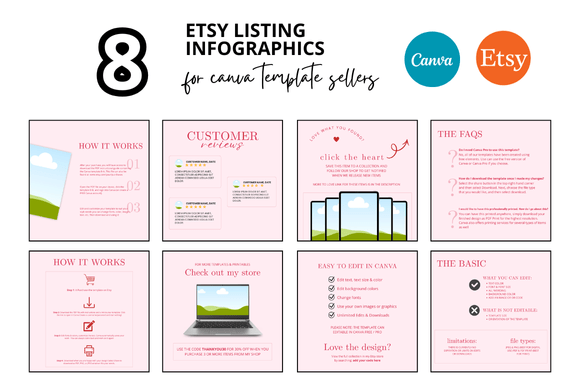
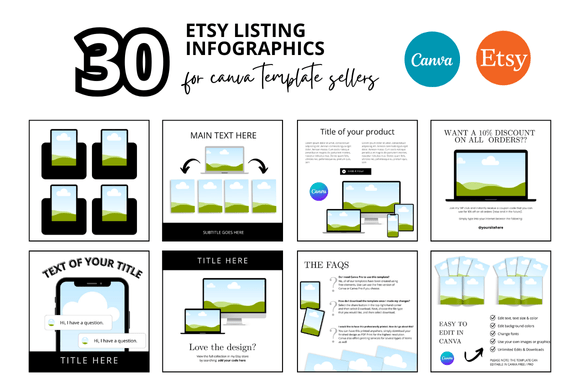
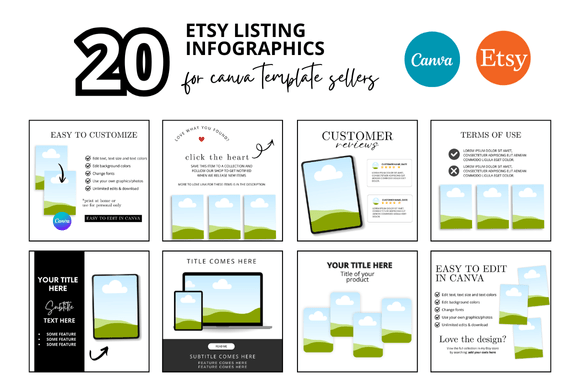
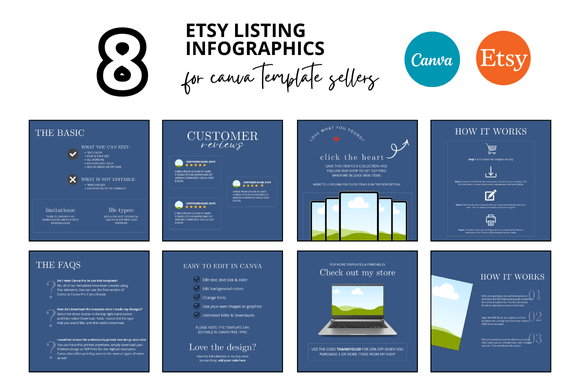
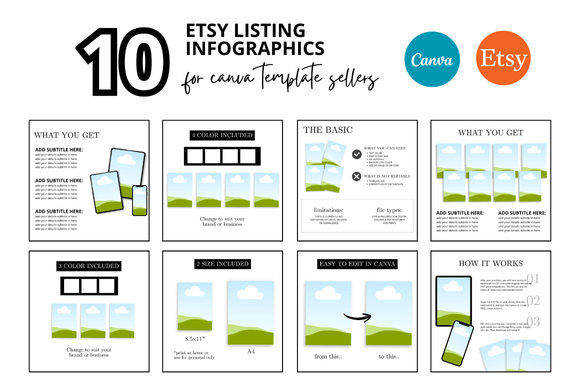
The phrase “infographic” is the key differentiator here. Standard listing photos often rely entirely on product photography or a simple background with a logo. The 10 Etsy Listing Photo Infographics templates go further by integrating space for bullet points, feature highlights, size comparisons, and benefit summaries directly into the image layout. This transforms a basic photo into a communication tool. It helps potential buyers understand not just what the product looks like, but exactly what it does and why they need it.
Additionally, this pack includes frame mockups. For digital sellers—those offering printables, planners, wall art, or digital bundles—showing your product inside a frame or on a device screen is crucial. It provides context. A planner listing looks far more professional when displayed on a tablet mockup than as a flat PDF icon. The inclusion of these elements within the same template system saves the seller from having to source mockups separately.
Comparing Approaches: Template Packs vs. Other Options
When deciding how to create your listing photos, most sellers fall into one of three approaches. Understanding where the 10 Etsy Listing Photo Infographics fits within this landscape helps clarify its value.
The Bespoke Professional Route
Hiring a professional graphic designer or photographer offers the highest level of uniqueness. You get images tailored exactly to your brand, with no risk of resembling another shop. However, the cost is significant—often hundreds of dollars per session or per set of images. For a shop launching a large number of listings, this quickly becomes impractical. This route also creates dependency on a third party for future updates or new listings, which slows down iteration.
The Raw DIY Approach
Using free software or basic photo editors gives you full control and zero upfront cost. The tradeoff is time. Learning typography, color theory, composition, and effective cropping takes hours or weeks. Producing a single polished listing image can take an hour or more. Maintaining consistency across dozens of listings becomes a major challenge, often leading to a disjointed shop appearance that can undermine buyer trust.
The Structured Template System
The 10 Etsy Listing Photo Infographics pack sits between these extremes. It provides a professional structural framework. You are not starting from a blank canvas, which saves substantial time. Yet you are not locked into an expensive, slow pipeline. You customize colors, fonts, text, and your own product images within the layouts. The tradeoff is that the underlying structure is shared with other buyers. While your specific content makes the final image unique, someone else could use the same layout. For most sellers, this is an acceptable price for the speed and quality gain, but it’s a factor to weigh if extreme brand individuality is your priority.
Strengths and Best-Fit Scenarios
This template pack shines brightest under specific conditions. Recognizing these helps you decide if it’s the right fit for your current stage.
- Speed and efficiency: If you are creating ten or more listings per week, having ready-made layouts eliminates repetitive setup work. You simply swap images and update text.
- Digital product clarity: Products like planners, budgeting sheets, educational printables, and digital art benefit enormously from the infographic style. Buyers need to see the interior pages, the layout, and the specific features before purchasing. The templates naturally accommodate these explanatory elements.
- Brand consistency: Using a single set of templates forces a cohesive visual identity across your shop. This helps build recognition. A buyer who sees your listings in search will start to identify your brand by its consistent photo style.
- Reduced buyer confusion: By clearly displaying dimensions, formats, and key features directly in the image, you answer common questions before they are asked. This can lead to fewer customer messages and lower return rates.
Limitations and When to Look Elsewhere
No single resource fits every shop. The infographic style, while informative, can feel visually dense for certain markets. If you sell high-end artisan jewelry, fine art prints, or luxury home decor, a minimalist, single-image photo that relies on emotional appeal and negative space may convert better. In those cases, using a heavily structured infographic for the primary listing photo might overwhelm the aesthetic.
Another practical limitation is the reliance on Canva. While Canva is widely accessible and user-friendly, users who need advanced vector editing, complex layer masks, or non-destructive editing workflows may find it limiting compared to professional design software. The templates are designed for ease of use, not infinite granular control.
Additionally, if your shop already has a very strong, established brand with a specific custom photography style, introducing a template system might clash with your existing visual language. Transitioning is possible but requires reworking your entire catalog to maintain consistency.
Decision Factors: Evaluating Your Own Needs
To decide whether the 10 Etsy Listing Photo Infographics pack is a good investment, consider the following questions honestly:
- What is your current skill level with design tools? If you are comfortable with Canva, you will move quickly. If you are a beginner, the learning curve is gentle, but you will need to invest a small amount of time understanding the template structure before you achieve smooth results.
- How much time are you currently spending per listing photo? If the answer is more than 20 minutes per image, a template system will deliver a significant time saving. If you are already producing images in less than 10 minutes, the savings may be marginal unless you need the specific infographic layout style.
- What type of product are you selling? Informational or functional digital products generally benefit most from infographic-style photos. Physical products that rely on texture, material, and visual craftsmanship often perform better with high-resolution lifestyle photography rather than text-heavy layouts.
- Are you launching a new shop or rebranding? A new shop gains an immediate, professional visual identity from a template pack. For a rebrand, the pack provides a quick way to refresh your entire catalog with a unified look.
Practical Example: Using the Templates in a Real Workflow
Imagine you are launching a "Digital Habit Tracker Bundle." Without templates, you might take a screenshot of the tracker, place it on a plain background, and add some text. The result may look functional but not premium.
Using the 10 Etsy Listing Photo Infographics, you select a layout designed for feature breakdowns. You drag your tracker screenshot into the frame mockup. The infographic layout already has space for five bullet points explaining key features. You add details like "12 months included," "Printable on A4 and Letter," and "Compatible with GoodNotes." The design handles the spacing, font hierarchy, and color palette. In under ten minutes, you have an image that looks polished and communicates more value than a simple screenshot ever could.
The second template in the pack might be a comparison slide showing "Before" and "After" usage. The third template could highlight the bonus freebies included in your bundle. This systematic approach ensures your entire listing set covers all the information a buyer needs to make a confident decision.
Technical Considerations
The pack specifies a 2000 x 2000 pixel canvas. This is the recommended size for Etsy listing photos, as it matches the square crop used in search results and on the listing page. Using this exact size eliminates guesswork and ensures your images display sharply on all devices. The templates are designed for instant download, meaning you can begin customizing within minutes of purchase. The bonus freebies mentioned—typically additional mockups, matching banner templates, or social media graphics—extend the value beyond the listing photos themselves. For a seller evaluating overall resource efficiency, having listing templates, mockups, and promotional graphics in one bundle reduces the need to shop for multiple separate products.
Evaluating the Tradeoffs Objectively
No template pack will tailor itself to your specific brand voice. That remains your responsibility. The 10 Etsy Listing Photo Infographics provides a foundation, but the final image quality depends on the choices you make: the fonts you select, the colors you use, and the product images you insert. If you are looking for a fully automated solution, templates will not satisfy that need. They are tools, not magic.
On the other hand, if you value your time and want to eliminate the frustration of starting from zero, this type of structured resource is a strong fit. The tradeoff between uniqueness and efficiency is the core decision you face. For most Etsy sellers operating solo or in small teams, efficiency wins, because it allows you to focus on product development, customer service, and marketing rather than getting bogged down in photo editing.
Final Thoughts on Fit
The 10 Etsy Listing Photo Infographics pack is a practical resource for sellers who need professional, consistent, and informative listing images without a steep financial or time investment. It is particularly well-suited for digital product shops where explaining features visually is essential to conversion. Its limitations are primarily related to style fit and the inherent nature of templates as shared resources. By weighing your own need for speed against your desire for complete visual uniqueness, you can determine whether this approach aligns with your shop goals. For many sellers, having a reliable starting point is the difference between a shop that looks polished and one that still feels like a work in progress.